Call us now :08045805065
 Send Inquiry
 Send Inquiry
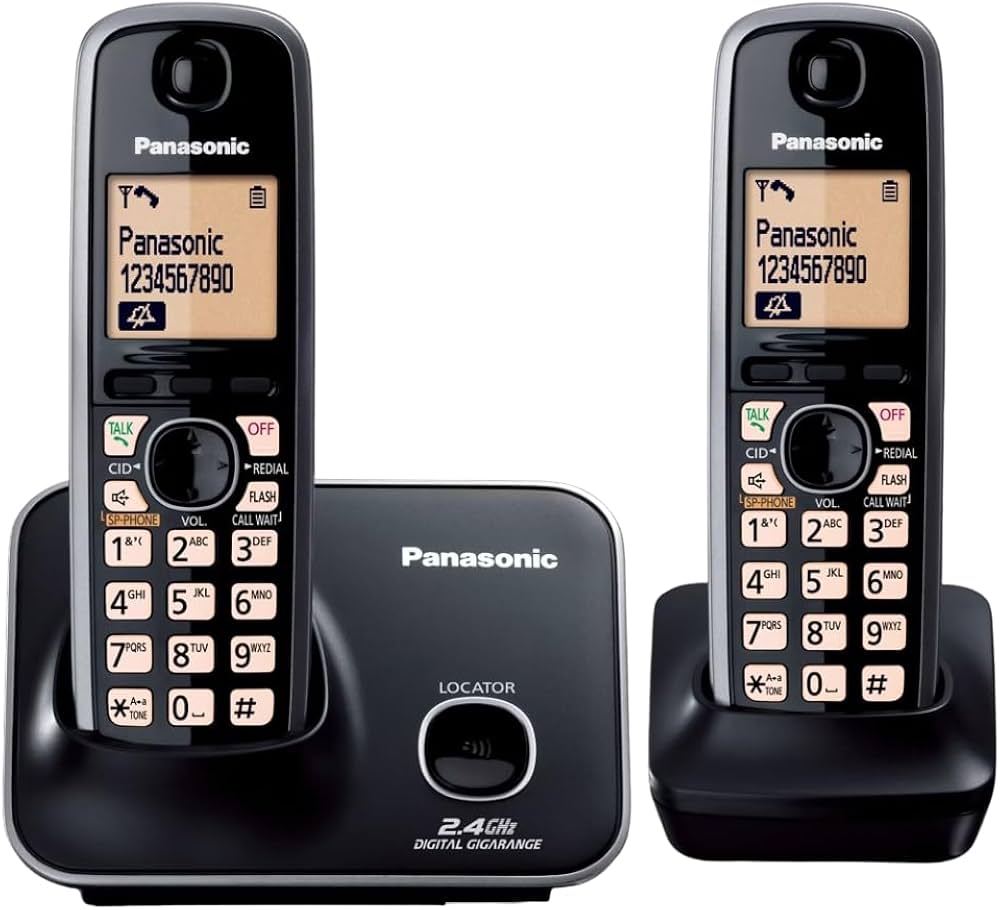
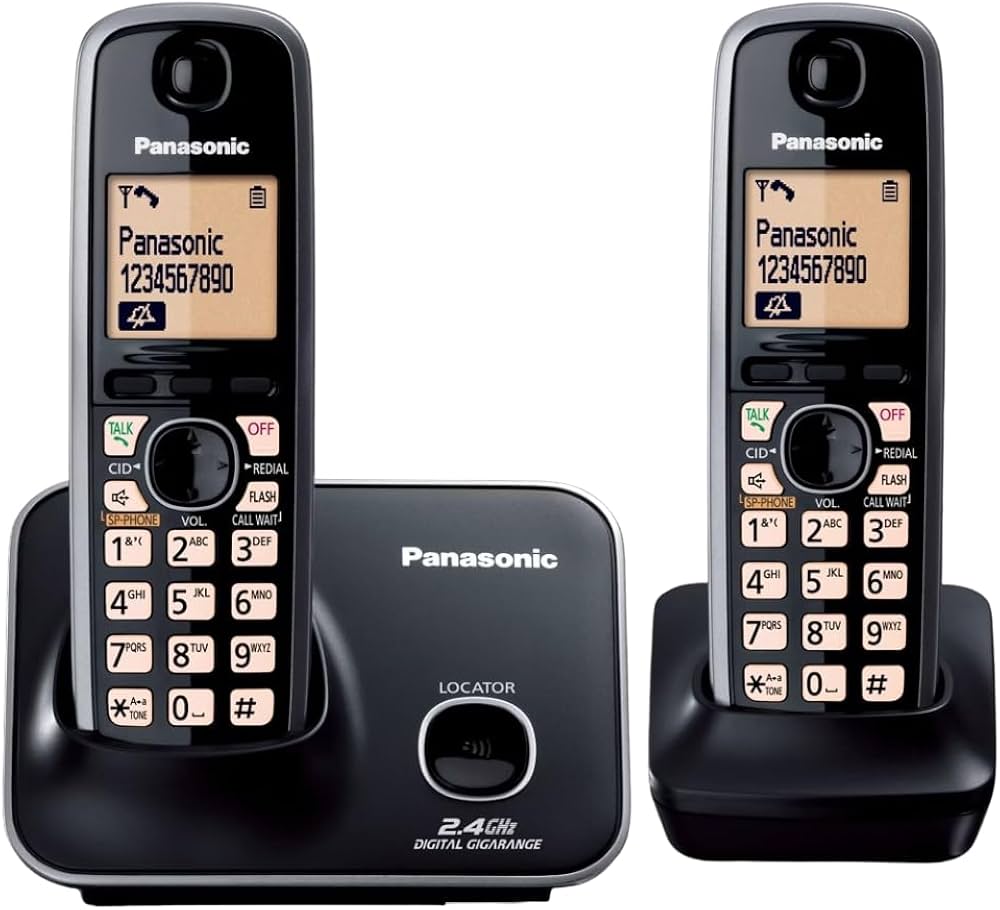
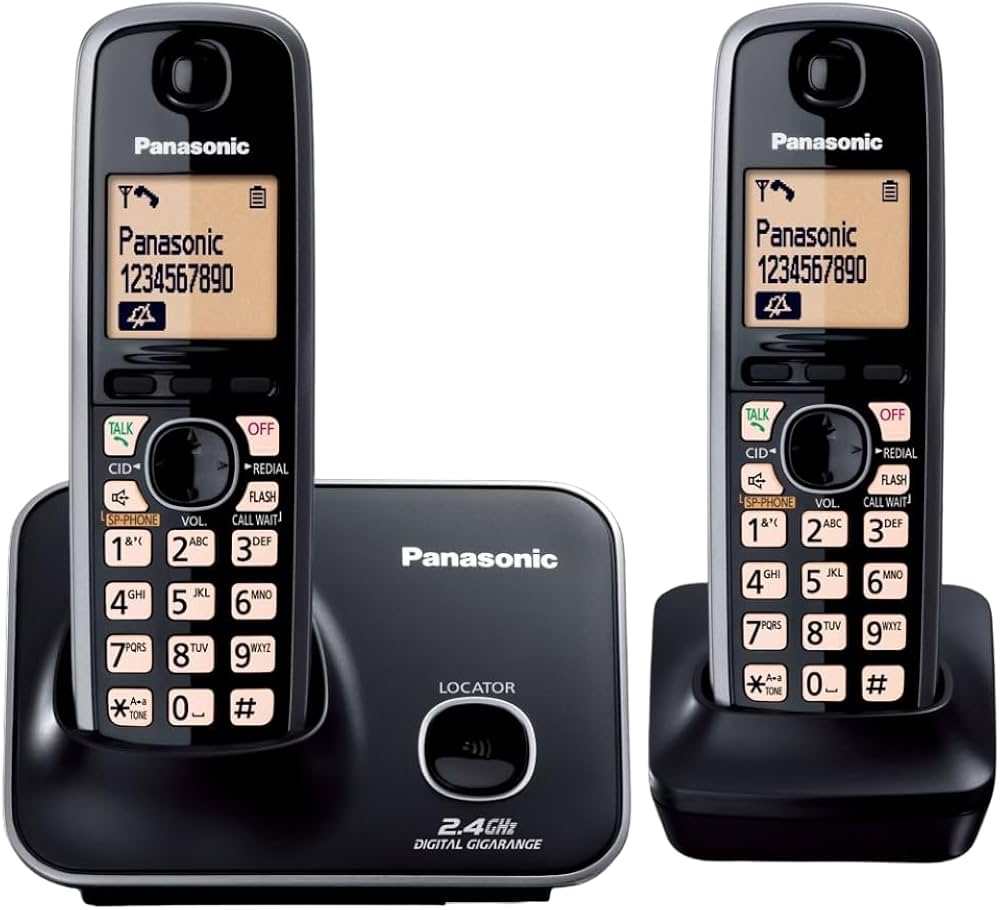
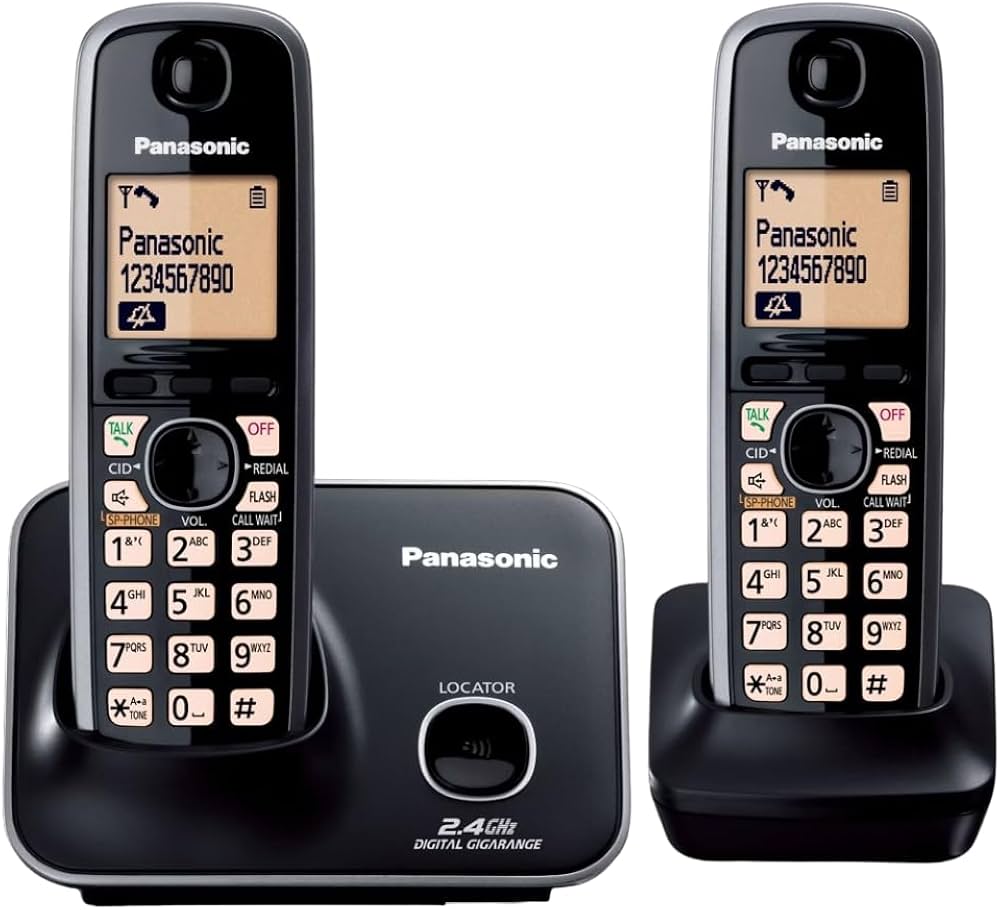
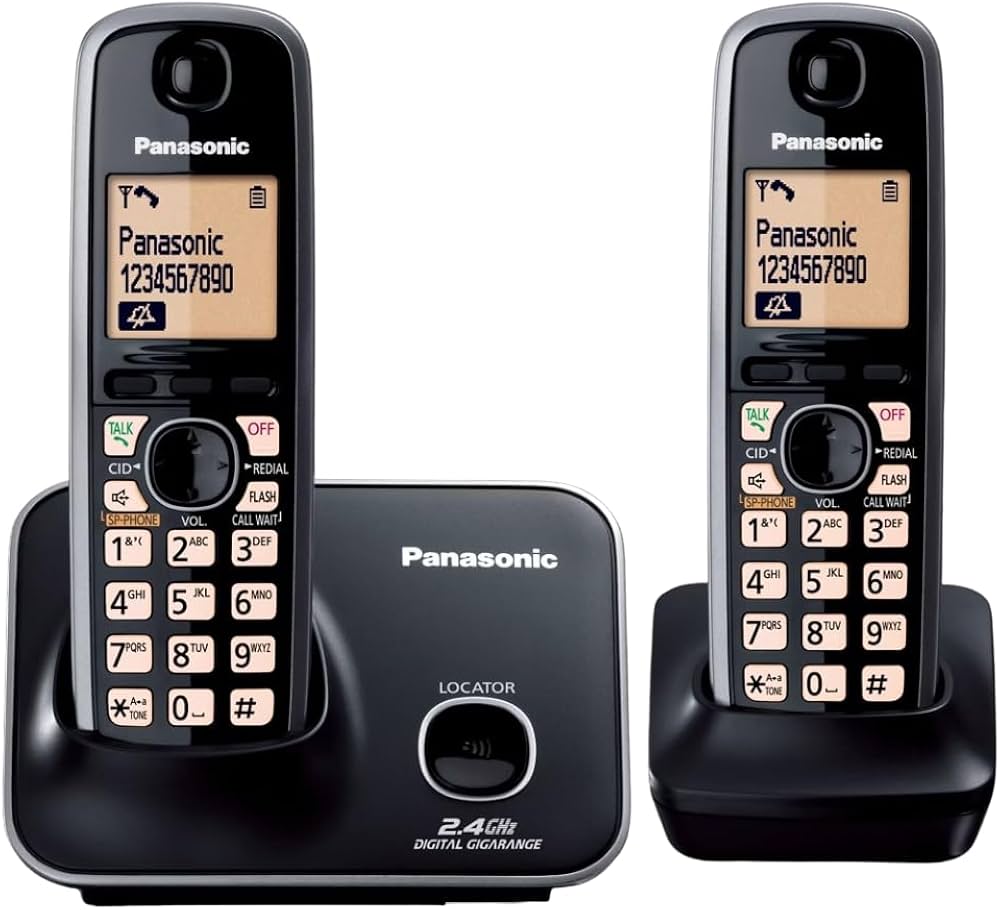
PANASONIC KX-TG3721SX (CORDLESS PHONE)
Price 4000.0 INR/ Piece
MOQ : 1 Piece
PANASONIC KX-TG3721SX (CORDLESS PHONE) Specification
- Type
- Cordless Digital Phone
- Material
- Plastic Body
- Use
- Other
- Screen
- 1.8 inch Monochrome LCD Display
- Caller ID
- Yes
- DND Feature
- Yes
- Support
- GAP Compatible
- Button Type
- Soft Rubber Keys
- Caller Transfer
- Yes
- Power
- AC Adapter (220-240V, 50/60Hz)
- Weight
- Approx. 250 grams (with handset and base)
- Color
- Black & Silver
- Interface
- RJ11 Telephone Line
- Talk Time
- Up to 10 Hours
- Redial Memory
- Last 5 Numbers
- Display Languages
- English, Hindi
- Handset Battery
- 2 x AAA Ni-MH Rechargeable Batteries
- Speakerphone
- Yes
- Ringer Melodies
- 30
- Phonebook Capacity
- 100 Names & Numbers
- Wall Mountable
- Yes
- Answering Machine
- No
- Alarm Clock
- Yes
- Expandable Handset
- Up to 6 Handsets
- Battery Low Indicator
- Yes
- Date & Time Display
- Yes
- Standby Time
- Up to 144 Hours
- Conference Call
- Yes
PANASONIC KX-TG3721SX (CORDLESS PHONE) Trade Information
- Minimum Order Quantity
- 1 Piece
- FOB Port
- JAIPUR
- Payment Terms
- Cash Advance (CA), Delivery Point (DP), Telegraphic Transfer (T/T)
- Delivery Time
- 3 Days
- Sample Available
- Yes
- Sample Policy
- Contact us for information regarding our sample policy
- Packaging Details
- STANDARD
PANASONIC KX-TG3721SX (CORDLESS PHONE) About
MESH SPEAKER HOLE2 DIGIT MESSAGE COUNTER/DIGITAL ANSWERING MACHINE
LARGE 4.57 CM LCD
POWER FAILURE TALK SYSTEM
CALLER ID WITH 50 NAME & NUMBER
100 NAME & NUMBER PHONEBOOK
WALL MOUNTABLE
REACHARGEBLE NI MH BATTERIES
Efficient Communication and Convenience
This cordless phone is engineered for uninterrupted communication in homes and offices. With conference call capability and speakerphone, users can easily manage group conversations. The large phonebook capacity allows for quick access to contacts, while features like caller ID and DND mode provide enhanced control and privacy. Its reliable battery life ensures talk and standby time for extended periods.
Modern Features for Indian Needs
Designed specifically for Indian users, the KX-TG3721SX supports display languages in both English and Hindi, making navigation effortless. The unit is GAP compatible, allowing the addition of up to six handsets for larger setups. With alarm clock, date/time display, and wall mountable options, it caters to a variety of usage scenarios for both homes and businesses.
FAQ's of PANASONIC KX-TG3721SX (CORDLESS PHONE):
Q: How do I expand the number of handsets with the PANASONIC KX-TG3721SX?
A: You can connect up to six handsets with this model using its GAP compatibility. Additional handsets can be purchased and paired following the instructions in the user manual.Q: What are the benefits of the Do Not Disturb (DND) feature?
A: The DND feature allows you to mute incoming calls during designated periods, providing quiet time and reducing interruptions at work or home. This feature can be easily activated from the handset menu.Q: When should I recharge the handset batteries?
A: Recharge the batteries when you see the battery low indicator on the handset's display. The included AAA Ni-MH rechargeable batteries ensure long usage, typically lasting up to 10 hours of talk or 144 hours on standby.Q: Where can I mount the PANASONIC KX-TG3721SX unit?
A: This cordless phone is wall mountable and also suitable for desk placement. The included accessories and clear instructions allow you to securely install it wherever you need convenient access.Q: What process should I follow to store contacts in the phonebook?
A: To store contacts, access the phonebook menu from the handset's display. You can add up to 100 names and numbers by following the prompts and using the soft rubber keys for easy input.Q: How does the caller ID function work on this cordless phone?
A: The caller ID feature displays the incoming caller's number on the 1.8-inch LCD screen. This allows you to identify callers before answering, contributing to call screening and privacy.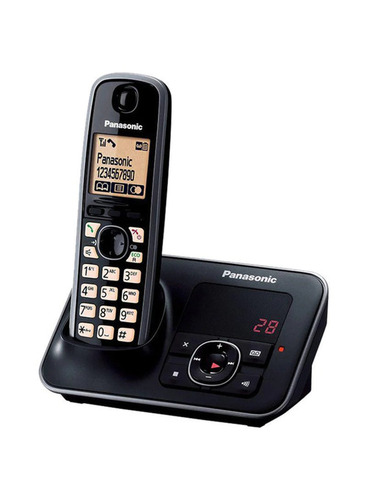
Tell us about your requirement

Price:
Quantity
Select Unit
- 50
- 100
- 200
- 250
- 500
- 1000+
Additional detail
Mobile number
Email

More Products in Panasonic Phones Category
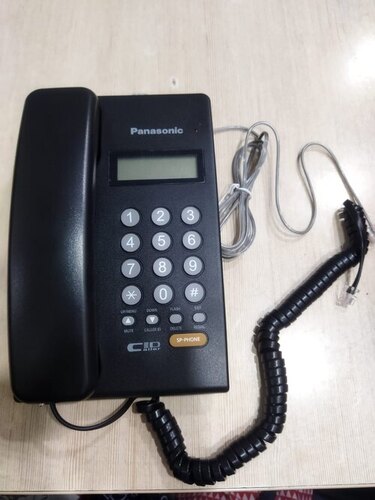
PANASONICKX-TS402SX (SPEAKER CALLER ID PHONE)
Price 1150 INR / Piece
Minimum Order Quantity : 2 Pieces
Material : Plastic Body
Use : Other, Office, Home
Caller Transfer : No
Color : Black
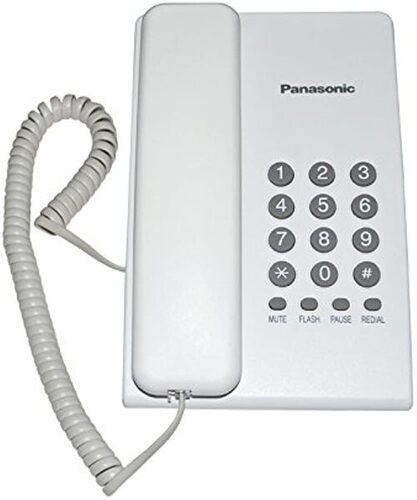
PANASONIC KX-TS400SX (BASIC PHONE)
Price 599 INR / Piece
Minimum Order Quantity : 2 Pieces
Material : Plastic Body
Use : Other, Home, Office
Caller Transfer : No
Color : Black
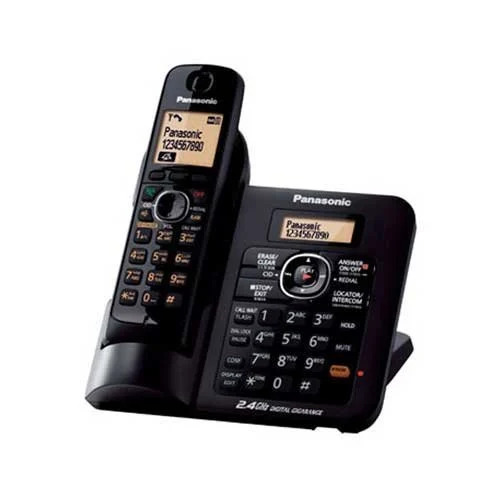
PANASONIC KX-TG3811SX (CORDLESS PHONE)
Price 5800 INR / Piece
Minimum Order Quantity : 1 Piece
Material : Plastic body with rubber keypad
Use : Other, Home/Office Cordless Communication
Caller Transfer : Yes
Color : Black & Silver
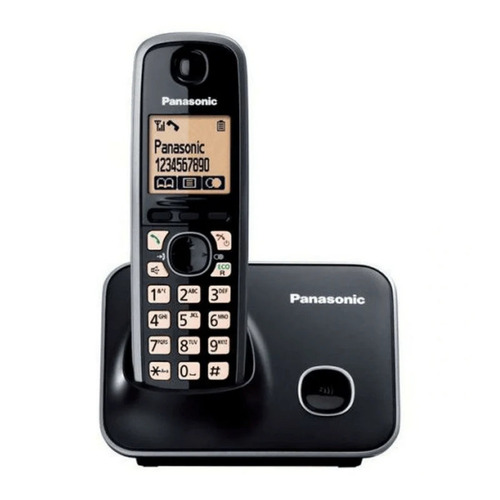
PANASONIC KX-TG3711SX (CORDLESS PHONE)
Price 3250 INR / Piece
Minimum Order Quantity : 2 Pieces
Material : Plastic
Use : Other, Home, Office
Caller Transfer : Yes
Color : Black


 Send Inquiry
Our Products


Ground Floor, G-36-A, Lotus Amber Tower Complex, Sansar Chand Road,Jaipur - 302001, Rajasthan, India

Mr. Satish Gupta
(Proprietor)
Mobile :08045805065
 Send Inquiry
 Send SMS
Developed and Managed by Infocom Network Private Limited.
